A phone is rented for a term. What happens at the end of it depends on whether auto-renew is on, whether the payment goes through, and, if the phone lapses, how much you had bought for it in total.
Auto-renew
With auto-renew on, the phone is renewed at the end of each term for the same term again, charged the way the phone's payment choice says. The Subscription row on the phone's screen shows the date and the amount it will renew at. You can turn auto-renew off at any time, and the phone stays yours until the end of the term you already paid for. You can also change the term the next renewal will use without paying anything now.
We send a reminder before a renewal, with the amount.
When a payment fails
If a renewal cannot be charged, we retry over the following days and tell you each time, with the reason: a declined card, no card on the account, or a wallet balance that does not cover the price. Fix whichever it is and the next retry goes through. A payment failed lists the reasons and the fix for each.
If the payment keeps failing, the phone is suspended, and then it expires.
When a phone expires
A phone whose term ends without renewing, or whose payment failed for good, stops running. You cannot stream it, and it shows as expired on the Devices tab with a notice saying how long its storage is kept. Renew within that window and the phone comes back exactly as it was.
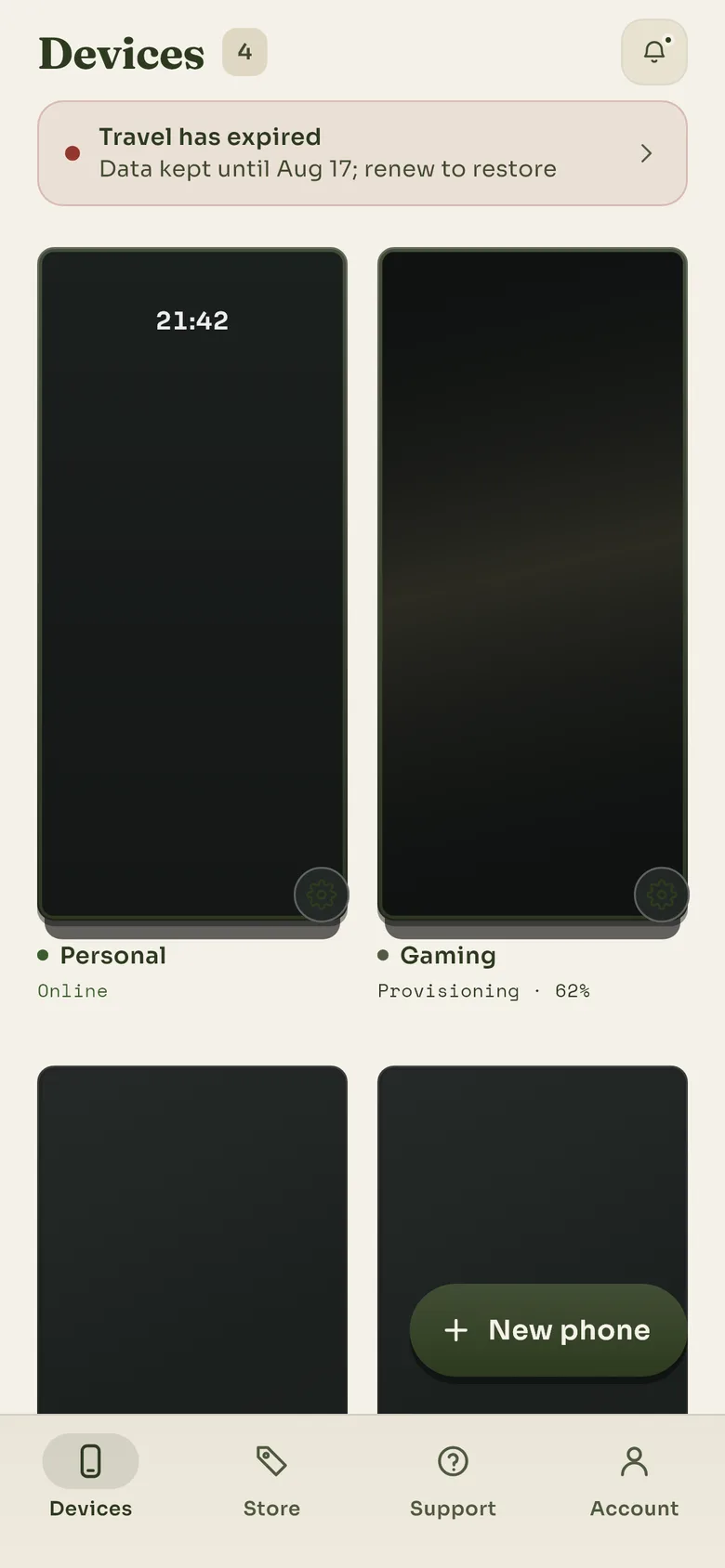
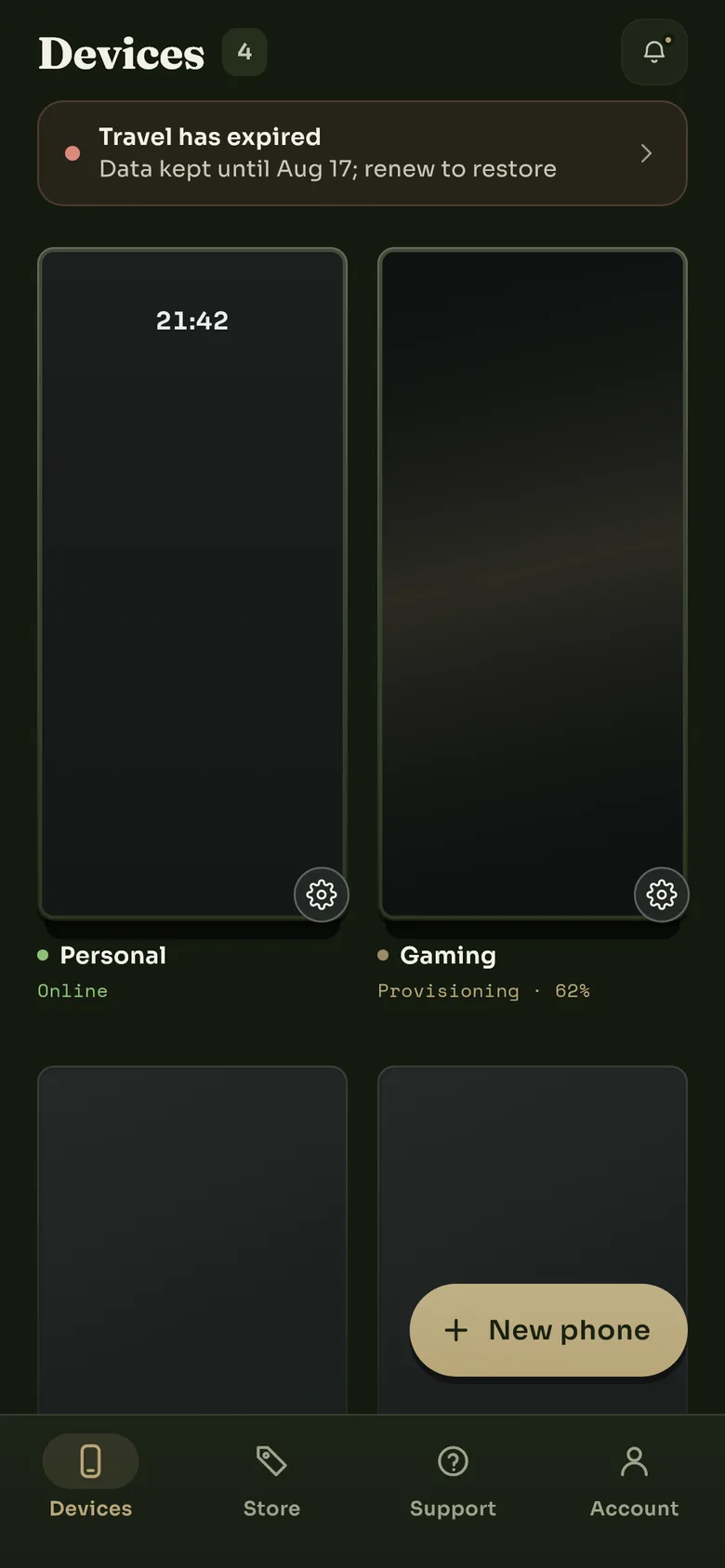
An expired phone says until when its storage is kept. Renew before then and nothing is lost.
How long a lapsed phone is kept
It depends on everything you ever bought for that phone, not on the last payment:
| What you bought, in total | Storage kept after it lapses |
|---|---|
| More than a month | 7 days |
| More than a day, up to a month | 1 day |
| A single day | Nothing. The storage is erased as soon as the rental ends. |
Twelve monthly renewals count as a year, so they earn the same week as paying for a year up front. A one-day rental keeps nothing: when the day is up, the phone and its storage go. If you may want a phone back, buy a longer term or renew before it lapses.
We send a notice before the storage is erased. After the window, the storage is erased permanently; nothing can bring it back, including us. Erasing is a key destruction: each phone's storage is encrypted with its own key, and deleting the phone destroys the key.
Deleting a phone yourself keeps nothing. The retention window is for a lapse. Deleting a phone from the app, or deleting your account, erases its storage at once, and time already paid for is not refunded.
Renewing an expired phone
Tap the expired phone and choose renew. You are charged for the term you pick, the phone is set up again with its data restored, and it comes back online in a few minutes. After the window has passed the app says the retention window has passed and the device data was removed, and a new phone is the only way forward.
Still stuck? Write to us and we will answer.