Home / Features

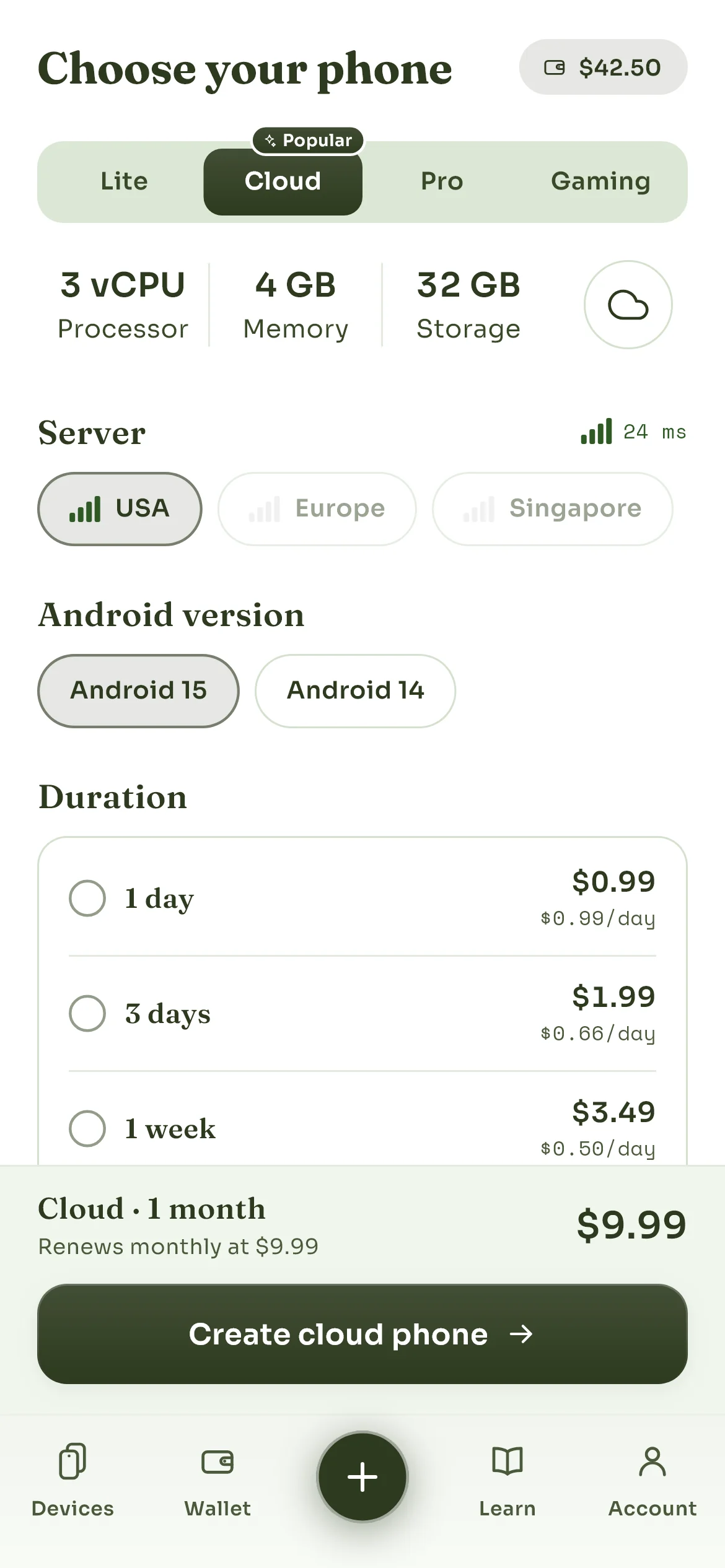
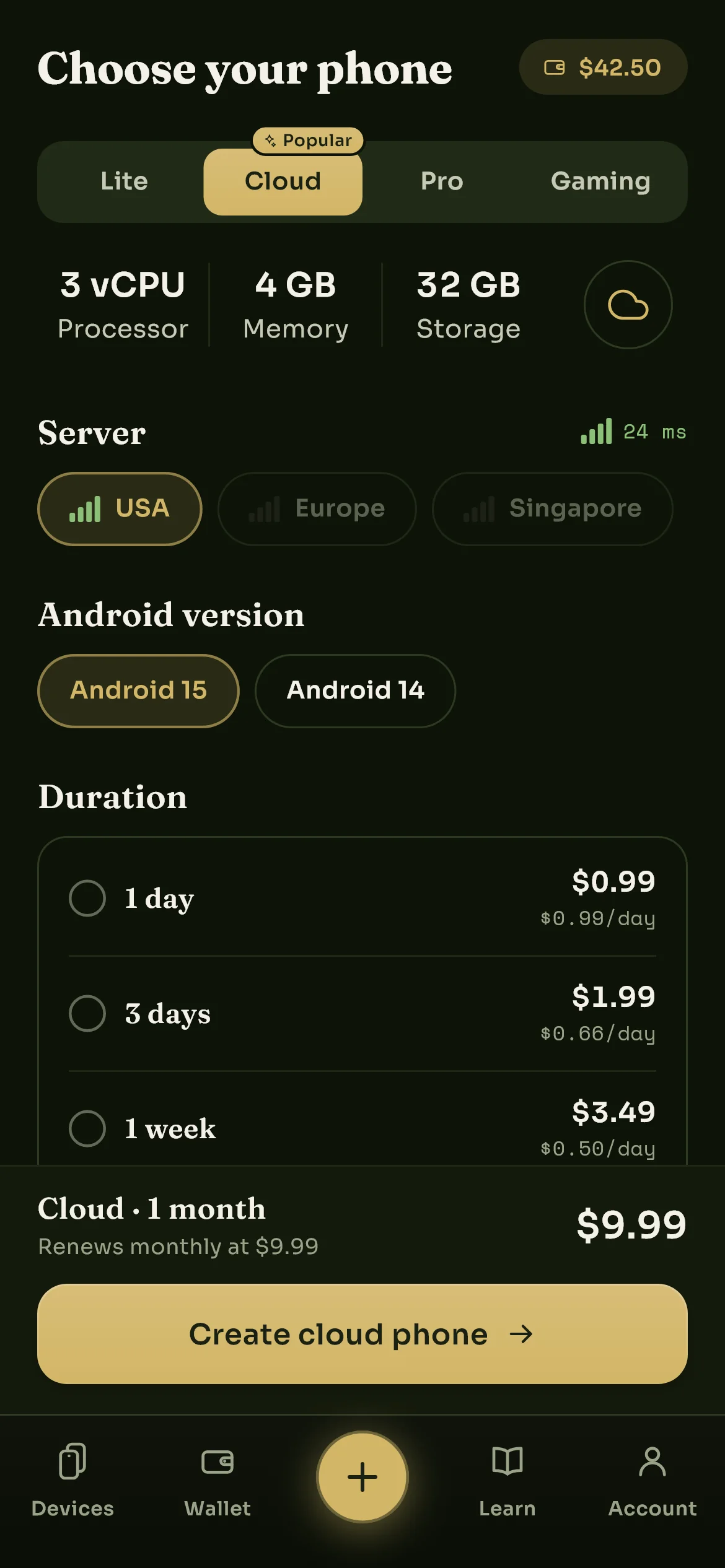
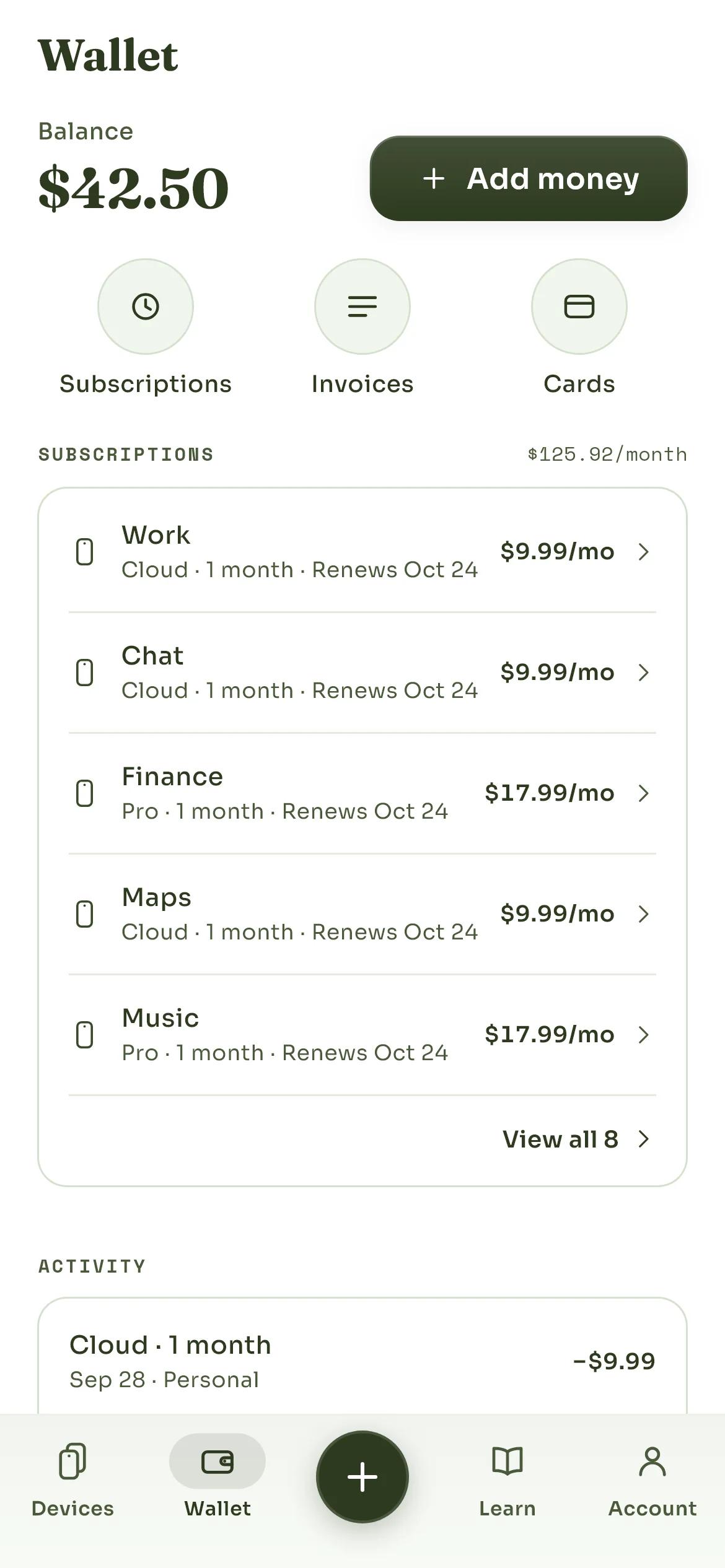
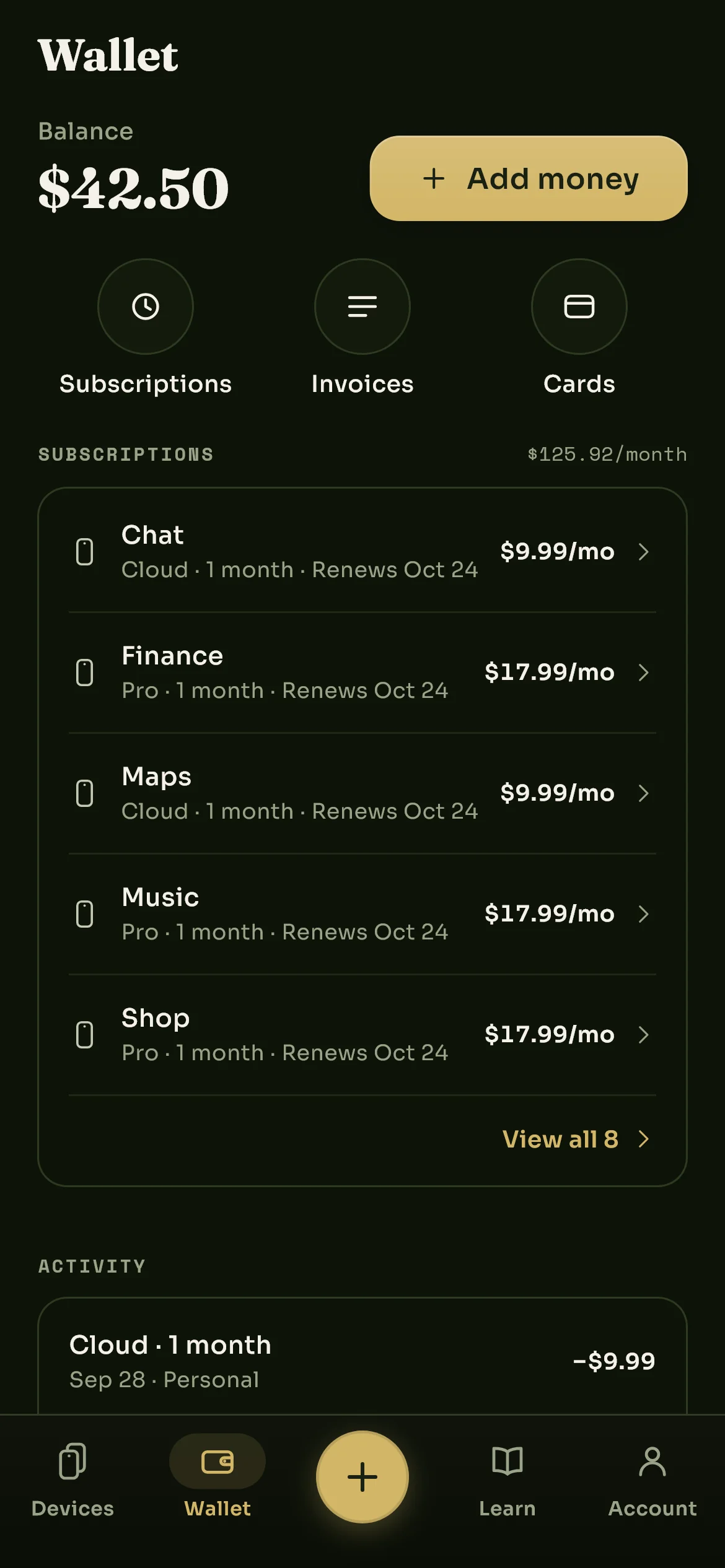
It is a phone. That is the whole feature list.

Everything below follows from one thing: this is real Android on real hardware, not a cut-down runtime pretending to be a device. Here is what that gets you.

Always on

It runs whether you are watching or not

Your phone lives on our machines, so closing the app is just closing a window. Downloads keep downloading, sessions stay signed in, and anything you left running is still running tomorrow. There is no battery to flatten and no screen to time out.

Hours you are awayStill going

One screen for everything

Every control the phone has, in one place

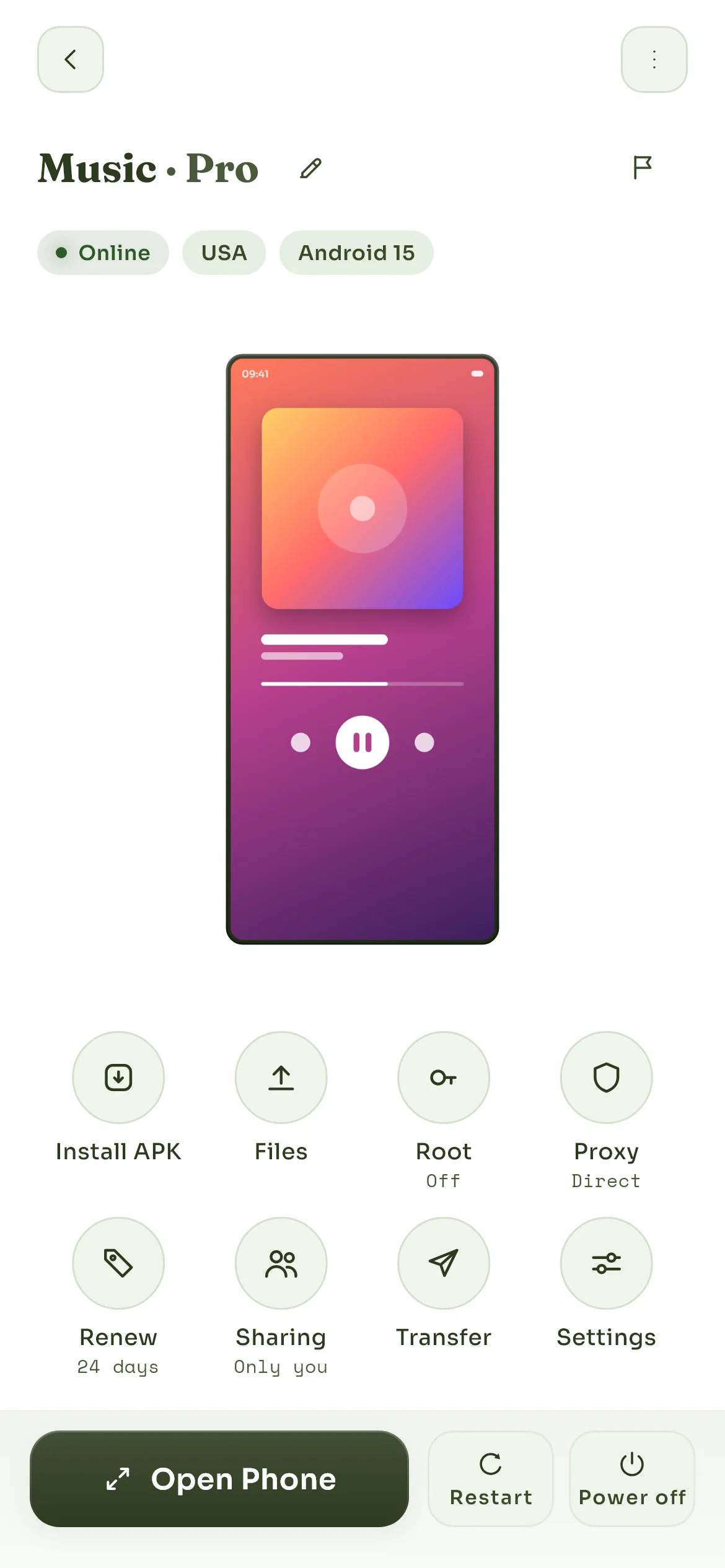
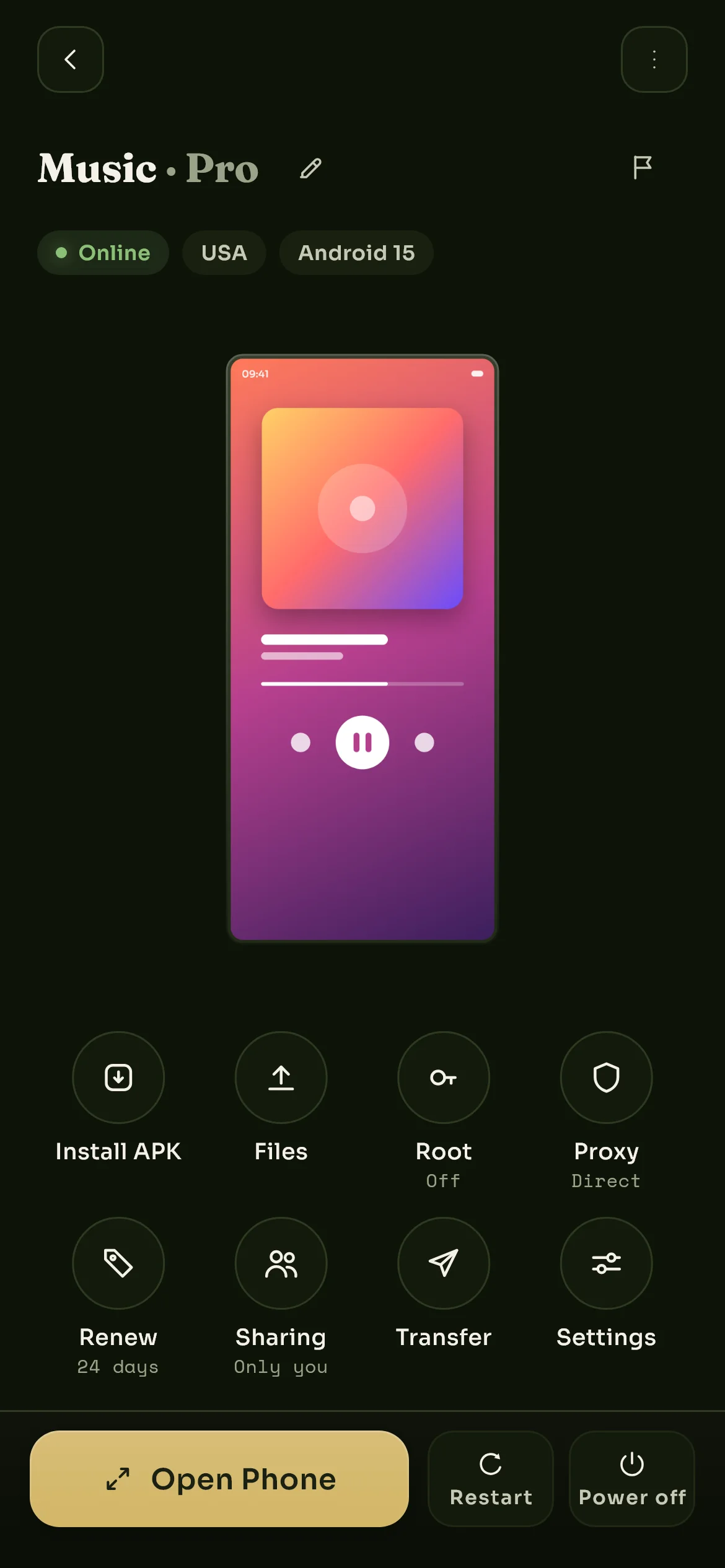
Install an app, move files, take a screenshot, share the clipboard. See what the processor, memory and storage are actually doing. Turn root on, point it through a proxy, share it with someone, restart it or shut it down. It is all one screen away.

A cloud phone's screen in the app: install, files, screenshot and clipboard buttons, a card of processor, memory, storage and network readings, and rows for its settings, root access, subscription, proxy and sharing.A cloud phone's screen in the app: install, files, screenshot and clipboard buttons, a card of processor, memory, storage and network readings, and rows for its settings, root access, subscription, proxy and sharing.

Streaming

Touch that lands where you put it

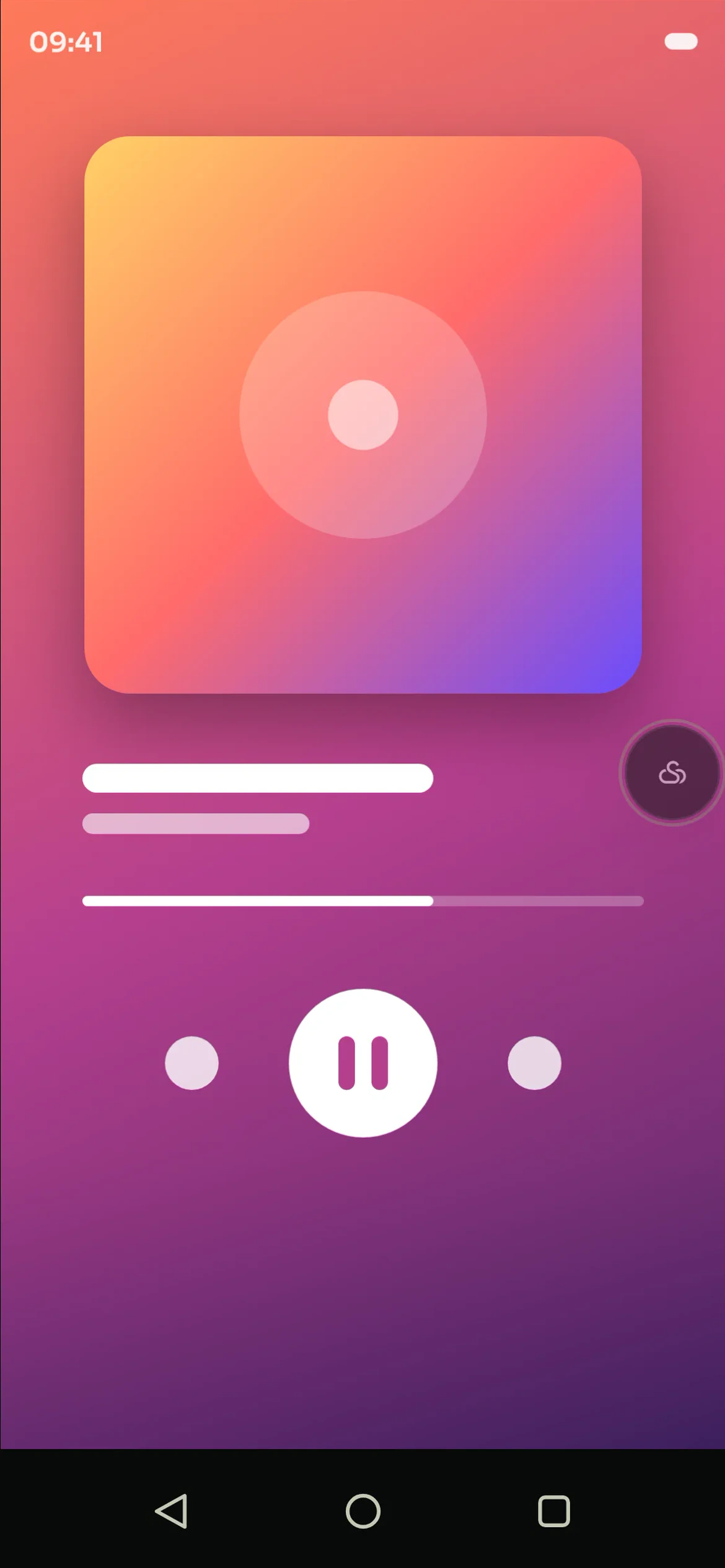
Open a phone and it streams live to whatever you are holding. Tap, type, scroll, drag and rotate all go straight through, and the picture keeps up with your thumb rather than trailing behind it. Shut the window and the phone does not notice.

Well under a second, either way

Isolation

Every phone is on its own

Phones cannot see each other, cannot talk to each other, and cannot reach anything of yours. When a phone is handed back and later rented again, its storage is destroyed first, so nobody ever inherits anyone else's device.

The rest of it

Things you will actually use.

Play Store on every phone

Google services are already installed, so your apps arrive the normal way instead of by sideloading.

Files on and off

Upload something to the phone, download it back, browse what is on there. It behaves like storage you own.

Install your own apps

Drop an APK straight onto the phone when it is not something the store carries.

Screenshots and clipboard

Grab the screen, and copy text between the phone and whatever you are sitting at.

Share a phone, or hand it over

Invite someone to use one of yours, or transfer it to their account for good.

Pick your Android

Android 14 or 15, chosen when you create the phone, so you can match whatever you are working against.

Start again whenever

Reset a phone to factory condition in a couple of taps, without giving it up and renting another.

Storage that is encrypted

Each phone's storage is locked with a key of its own, and deleting the phone destroys that key. The privacy policy is precise about what that does and does not protect.

Being straight with you

What a cloud phone is not.

Every competitor leaves this out. We would rather you found out here than after paying.

Some apps will refuse it

It is not a certified retail handset, so banking, payment and some streaming apps may warn or decline. We cannot talk them round.

No SIM, no camera, no GPS

There are no calls, no texts, no real camera and no true location. It is a computer shaped like a phone.

Not a backup service

Keep your own copies. If a phone lapses and its window passes, what was on it is gone for good.

Your connection matters

Streaming quality depends on your own line and how far you are from the region you picked. We cannot fix either from here.

Pick a phone and see for yourself.

A day is long enough to find out whether it does what you need.