Before you start
Deleting your account is immediate and cannot be undone. There is no waiting period during which you can change your mind, and no way for support to restore what was deleted. Read this section before you begin.
Your cloud phones are destroyed with the account. Every phone on your account is shut down and its storage is erased. Apps, accounts you signed into on those phones, photos, files and anything else on them are gone. No recovery copy is kept, unlike the short grace period you may get when a subscription simply runs out.
Time you have already paid for is not refunded. Deleting the account cancels every subscription immediately. If a phone was paid up for another five months, those five months are forfeited.
Any balance left in your wallet is forfeited. Your wallet is set to zero and cannot be paid out afterwards. If you are holding a balance, spend it or contact support about a refund before you delete the account.
If you want to keep anything from a cloud phone, copy it off first. In the app, open the phone, use the file browser to download what you need, then come back here.
If you only want to get rid of one phone and keep your account, see deleting one phone instead.
Delete it in the app
Account deletion lives in the Skyro Cloud app, on the device where you are signed in. It takes six steps, two of which exist only to stop you doing this by accident.
-
Open the Account tab
Sign in to the Skyro Cloud app and go to Account. It is a main tab of the app, not something inside Settings.
-
Choose Delete account
Scroll to the bottom. Below Log out, and set apart from it, is Delete account, described as "Erase this account and everything on it".
Email you@example.comPassword ›Passkeys ›Two-factor authentication ›Log out ›Delete account ›Deleting sits at the bottom of the Account tab, kept apart from logging out.
-
Read what goes and what stays
A screen headed Delete account opens, showing your email address and two lists. What goes names your actual phones and your actual balance, so you can see what you are about to lose. What stays covers the invoices we must keep, support conversations, and the fact that your email address is released for use again.
The button is Delete my account.
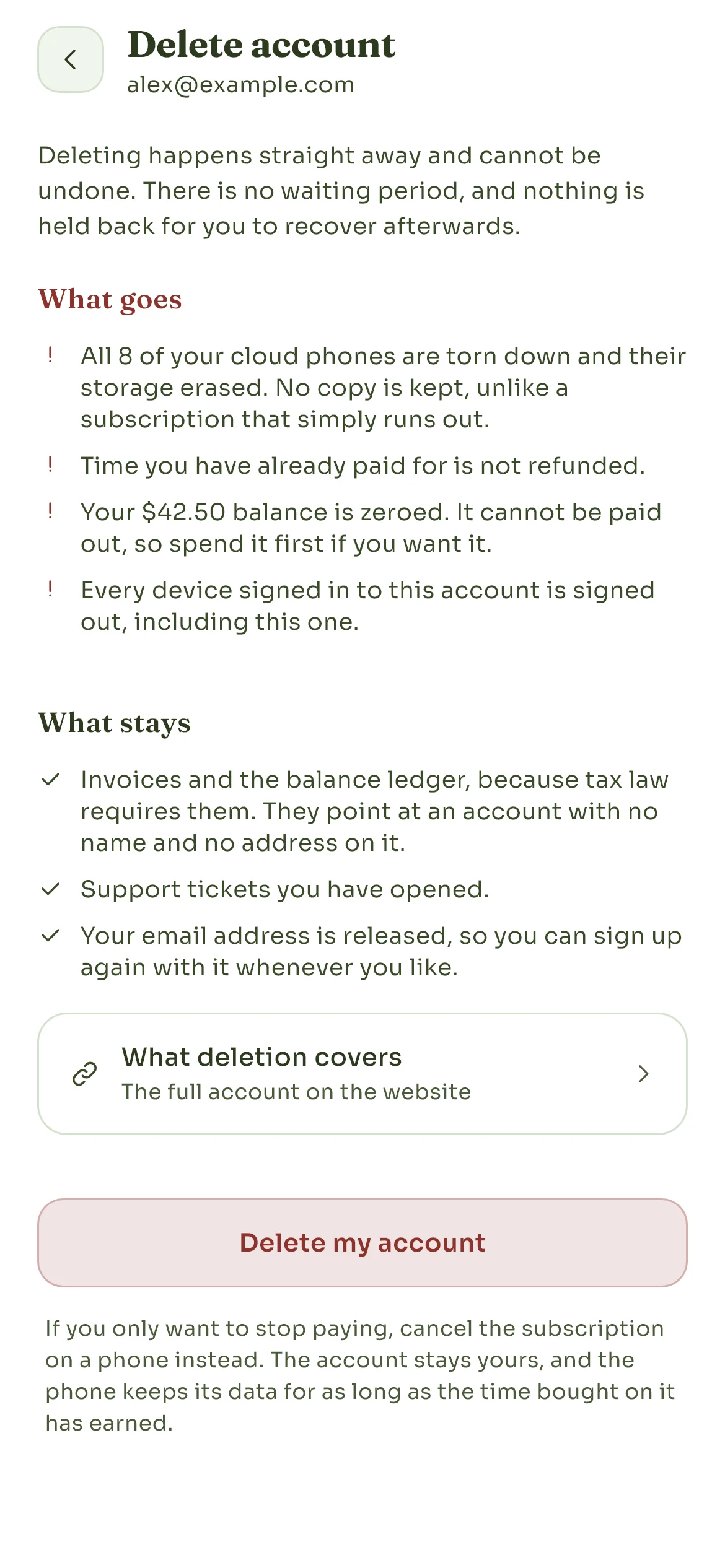
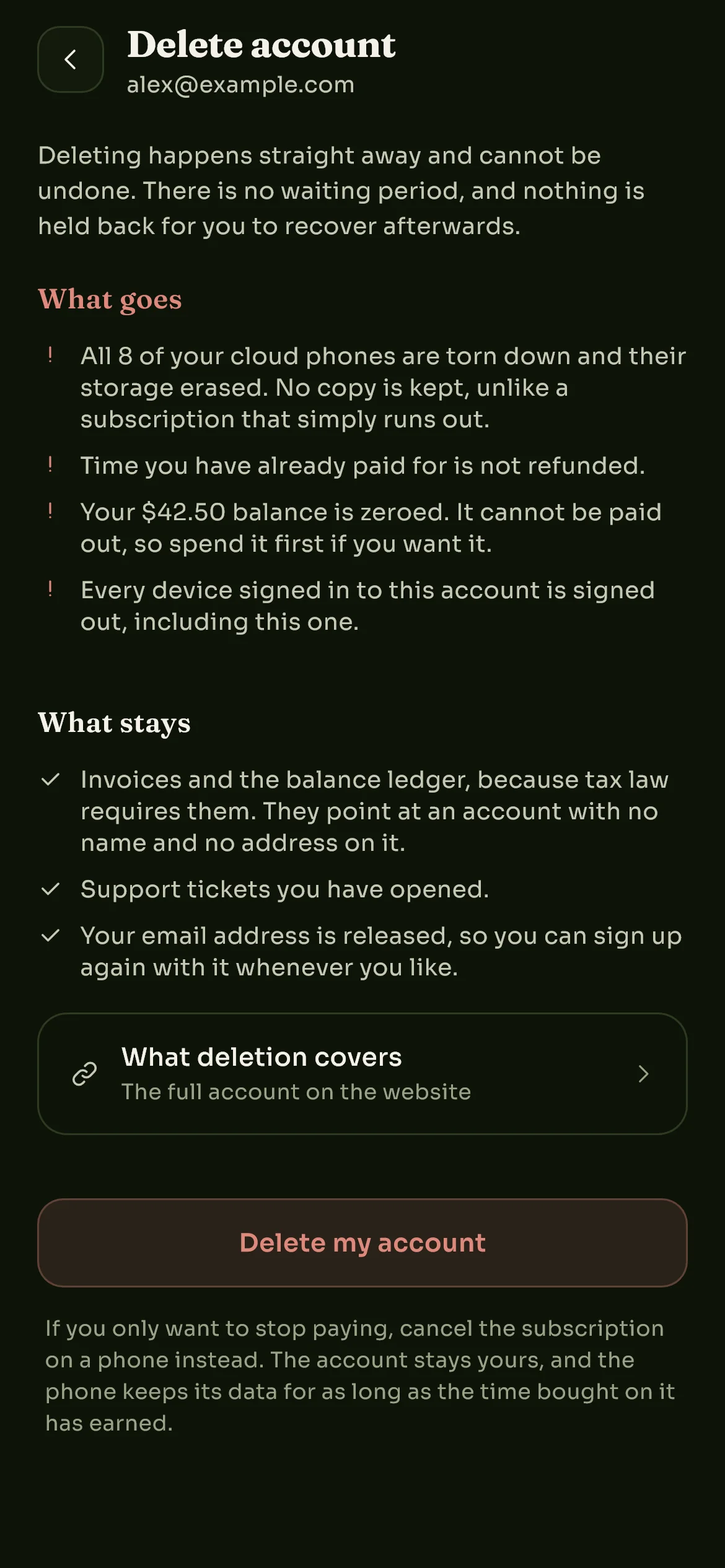
What goes names your own phones and balance, so the screen is about your account rather than a general warning.
-
Type your email address
A sheet asks Delete this account? and requires you to type the account's email address before Delete permanently becomes active. This is deliberate: it is hard to do by accident.
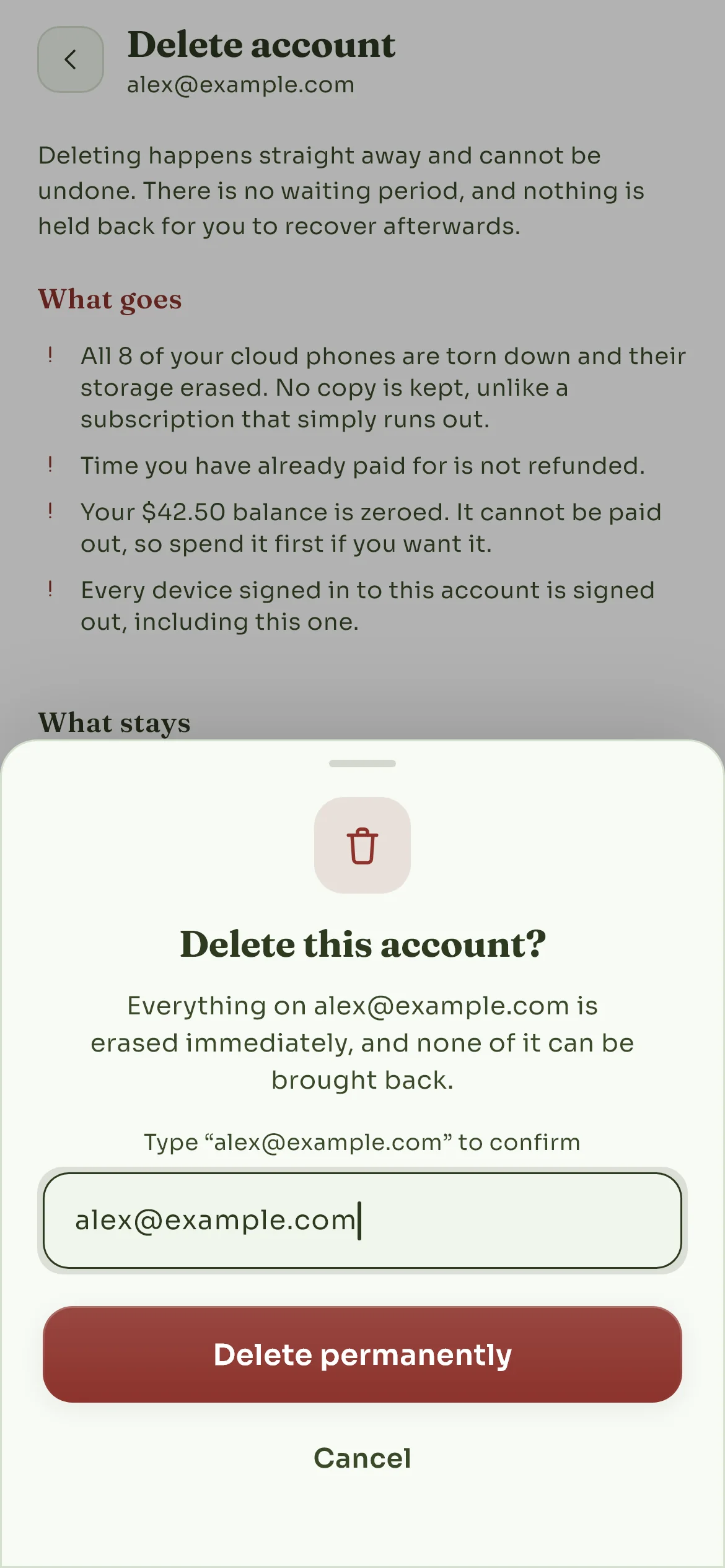
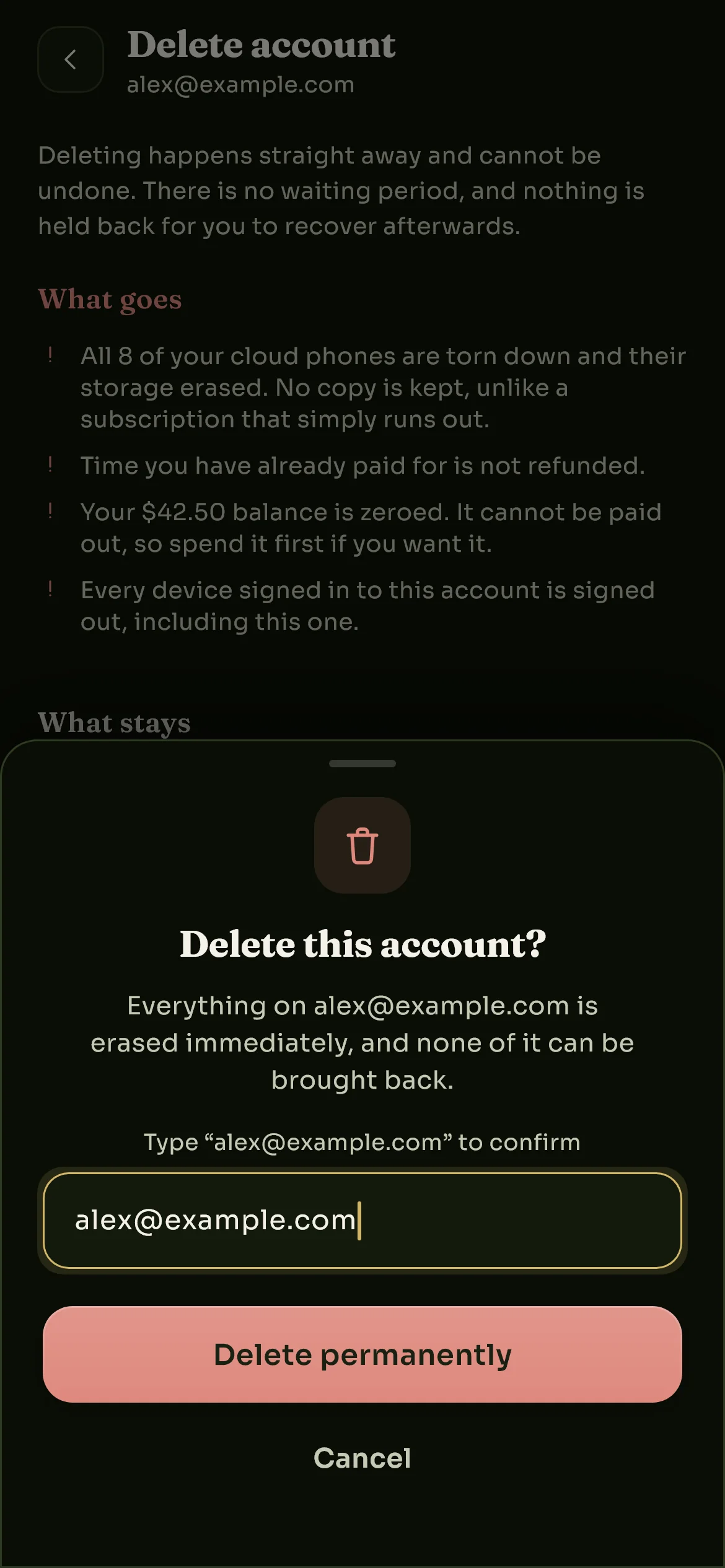
Delete permanently stays inactive until the address is typed in full.
-
Confirm that it is you
If your account has a password or an authenticator, one more sheet, Confirm it’s you, asks for them together:
- your password, if your account has one;
- a 6-digit code from your authenticator, if two-factor authentication is on.
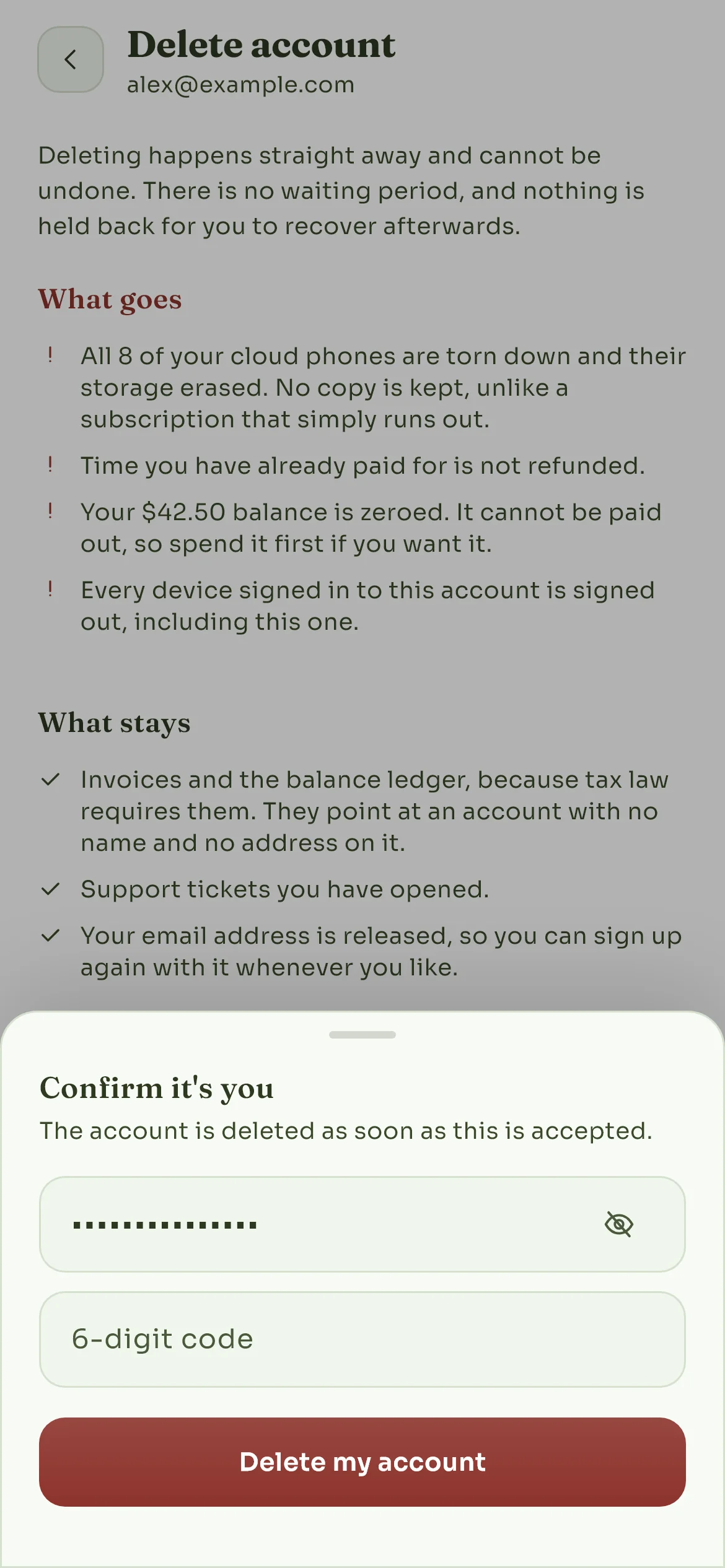
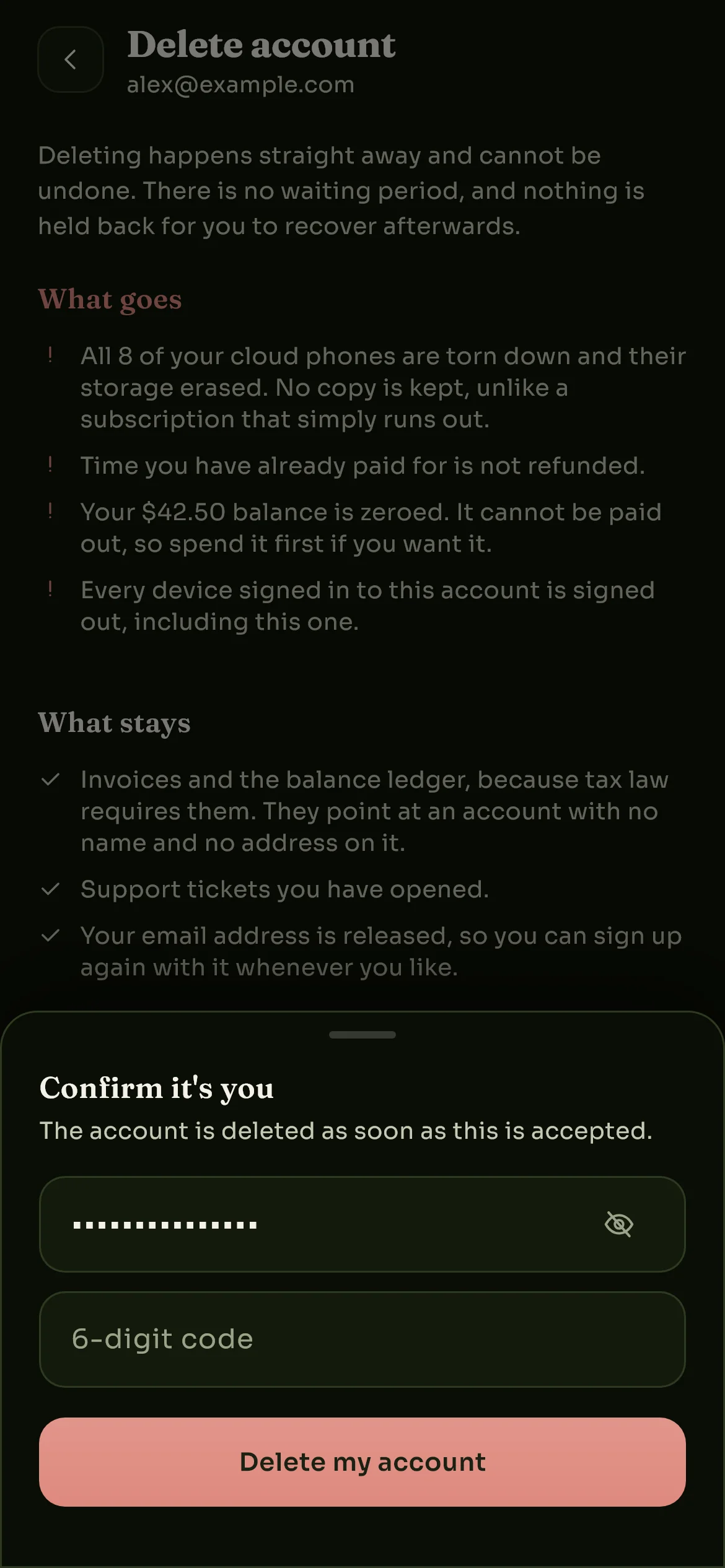
The code field is there only when two-factor authentication is on.
If you only sign in with Google or a passkey, this step does not appear. Typing your email address in the previous step was the confirmation.
-
Done
The account is deleted at once. The app returns you to the login screen and confirms how many cloud phones are being erased. You are signed out on every other device too. Nothing further is required from you.
About the pictures on this page. The Account tab above is a drawing of the app’s layout. The three deletion screens are real screenshots, taken on a demonstration account we own, so what they show is what you will see. Neither is a photograph of a customer’s data.
What is erased
Your cloud phones
Shut down, their keys destroyed, their storage erased. No recovery copy of any kind.
How you sign in
Password, passkeys, Google link and two-factor secret, all gone, on every device at once.
Your saved cards
Removed. We only ever held the card network and last four digits, never the number.
Time and balance
Subscriptions cancelled, remaining paid time forfeited, wallet balance zeroed.
The moment you confirm, all of this is deleted:
| What | What happens |
|---|---|
| Your email address and name | Erased from the account record |
| Your password | Erased |
| Your Google sign-in link | Erased, so the account can never be reached through Google again |
| Your passkeys | Deleted |
| Two-factor authentication secret | Deleted |
| Your profile photo | Deleted |
| Every sign-in session | Revoked, on every device |
| Push notification tokens | Deleted, so no further notification can reach your devices |
| Saved payment methods | Deleted (card brand and last four digits; we never held the full number) |
| Notifications and their settings | Deleted |
| App preferences | Deleted |
| Sharing invitations and device transfers | Deleted, including the email addresses of people you invited |
| Your cloud phones | Shut down, their encryption keys destroyed and their storage erased, with no recovery copy |
| Screenshots of your phones held for the app's device list | Deleted with the phone |
| Wallet balance | Set to zero |
| Subscriptions | Cancelled; nothing renews and no further charge is made |
What remains of your account afterwards is a bare identifier with no name, no address and no credentials attached to it. It exists only so that the financial records described below still refer to something.
What is kept, and why
We do not keep anything about you that we are free to delete. Three things stay, for reasons outside our choosing:
Invoices and payment records
Records of money that changed hands, invoices, wallet ledger entries, coupon redemptions and payment attempts, are kept. Accounting and tax law require a business to retain records of its transactions for years after a customer leaves, and we cannot delete them on request. They keep pointing at the anonymous account identifier, not at your name or address. Note that our payment providers hold their own records independently; see who else processes your data.
Support conversations
If you contacted support, those tickets, the messages in them and anything you attached are kept in our support system. They are not deleted automatically by account deletion today. If you want them erased as well, write to us and say so, and we will remove them separately.
Operator audit records
When a member of our staff acts on an account, unlocking it, adjusting a balance, destroying a device, that action is written to an audit trail that cannot be edited or deleted. It records what was done and by whom, which is what makes the people running this service accountable. It survives the account it describes.
Everything else has its own expiry. Usage measurements, event history, streaming records and similar operational data are deleted on their own schedules regardless of whether you delete your account. Those periods are listed in the privacy policy.
How long it takes
- Immediately: your account stops working. You are signed out everywhere, your email address and credentials are erased, and nothing about the account can be signed into again.
- Within minutes: your cloud phones are shut down and their storage is erased. Each phone's storage is encrypted with its own key, and the key is destroyed first, so its contents cannot be read back from that moment onward.
- Kept indefinitely: the financial and audit records described above.
There is no queue and no review step. If the app told you the account was deleted, it was deleted.
Deleting one phone instead of the account
If you want to get rid of a single cloud phone but keep your account, do not delete the account. In the app, open the phone, choose Reset & delete, then Delete cloud phone, and confirm by typing the phone's name.
That erases the phone and cancels its subscription while leaving your account, your other phones and your wallet balance untouched.
If you simply want to stop paying, there is a gentler option still: turn off auto-renew on that phone's subscription. The phone keeps running until the term you already paid for runs out, and its storage is then held for a while in case you change your mind: 7 days if you had bought more than a month for that phone in total, 1 day if you had bought more than a day, and not at all for a single-day rental. The terms set this out in full.
If you cannot open the app
Deleting from inside the app is the only self-serve route, because it is the only place we can be sure it is you asking. If you cannot get in, you have lost access to your sign-in method, or the app will not run on your device, write to us from the email address on the account:
We will verify that the request really comes from the account holder before deleting anything, which may mean asking you something only the account holder would know. Once verified, the deletion is the same one described on this page, with the same consequences. We answer deletion requests within 30 days and normally much sooner.
Signing up again
Your email address is released when the account is deleted, so you can sign up again with the same address whenever you like. It will be a genuinely new account: none of your old phones, purchases, balance or settings come back with it.
Still have a question
Write to support@skyrocloud.com. If your question is about what we hold and why, the privacy policy is the fuller answer.
Still stuck? Write to us and we will answer.